Learn how to add a physical address to your ActiveCampaign account, which is essential for sending emails from the platform.
Introduction
In this tutorial, we will guide you through the process of adding a physical address to your ActiveCampaign account. A physical address is a necessary requirement for sending emails, ensuring compliance and transparency in your communications. Follow these simple steps to set up your address correctly.
How to Instructions
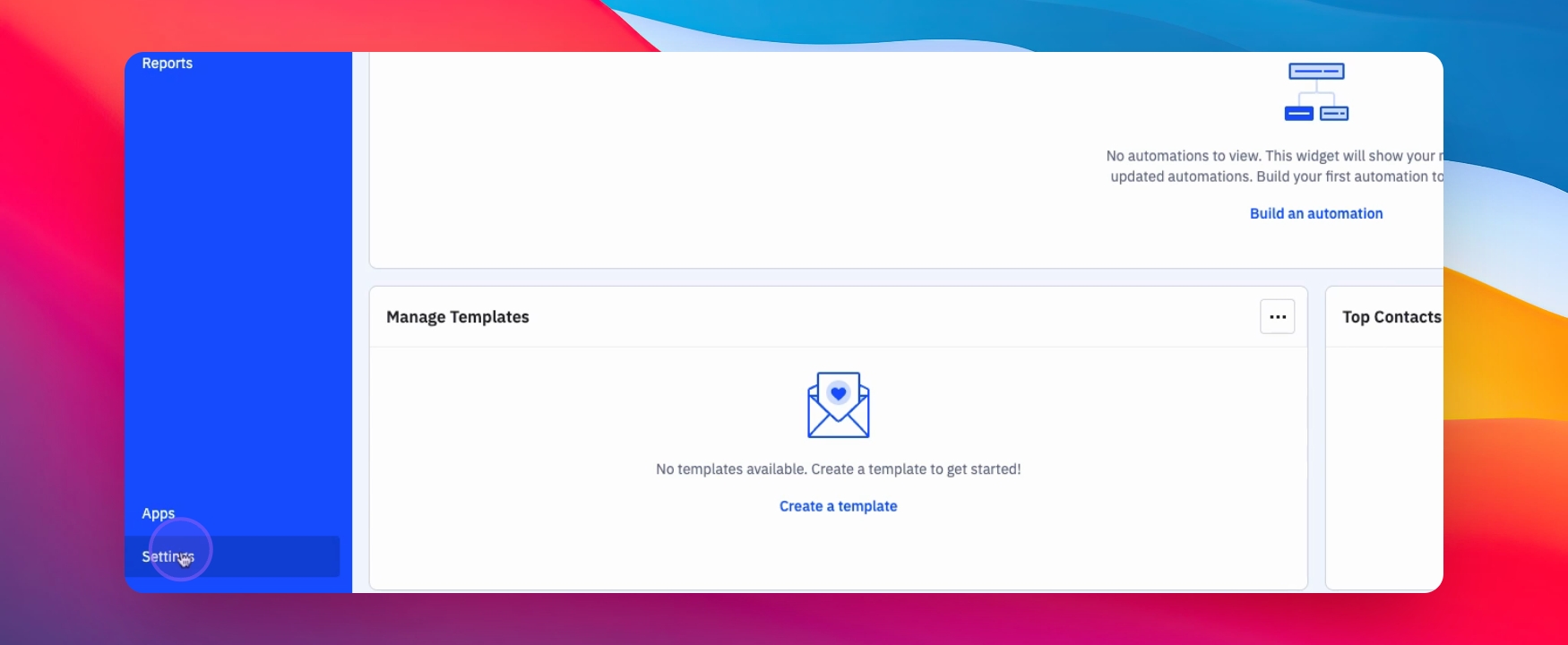
1. Access Settings
Begin by clicking on Settings.
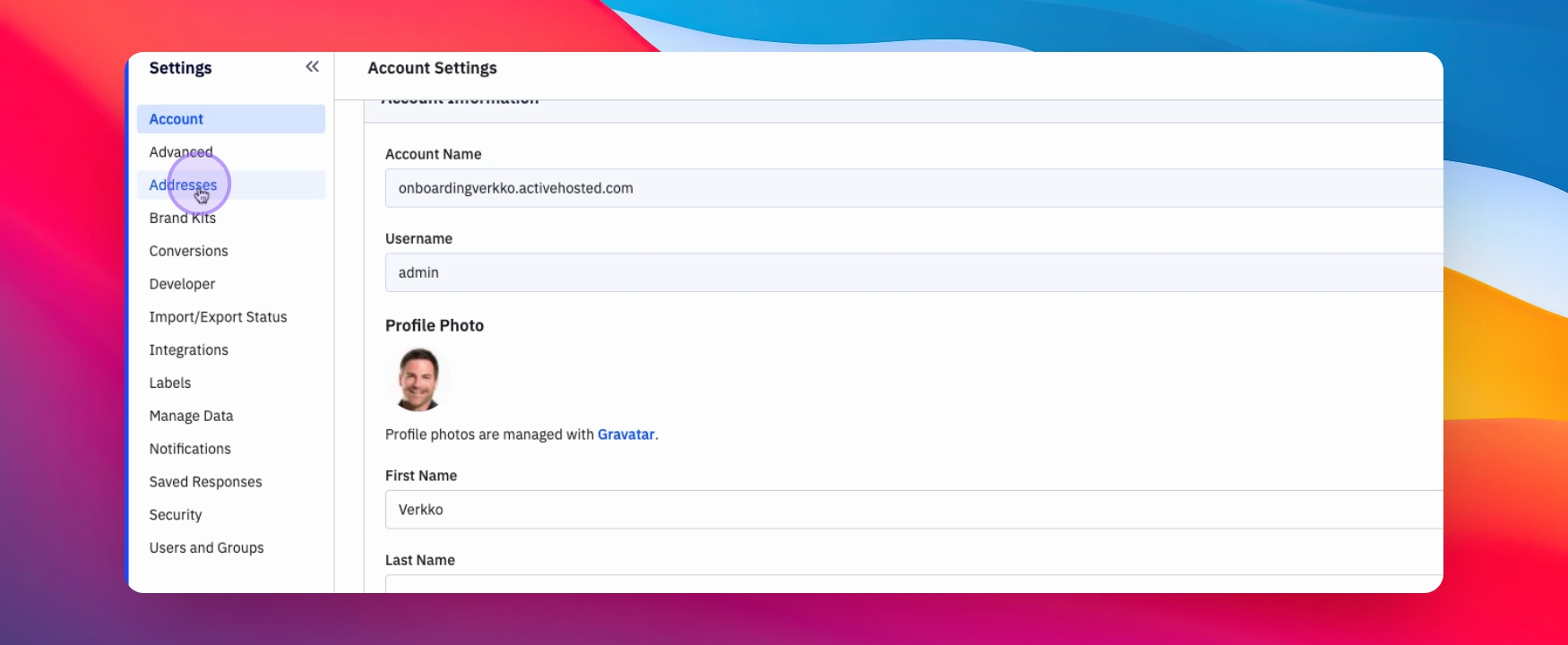
2. Navigate to Addresses
Next, click on Addresses.
3. Add an Address
Click on Add an Address.

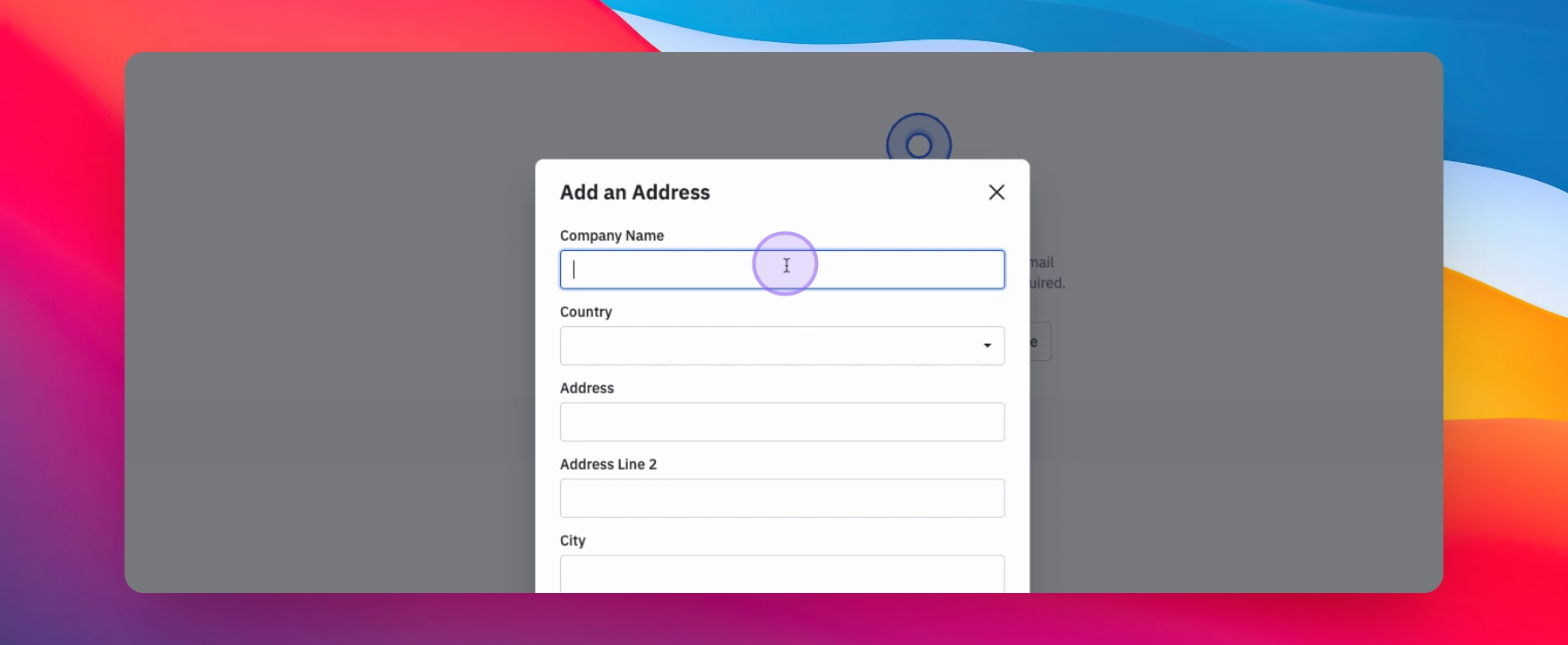
4. Enter Company Information
Fill in your Company name and address.
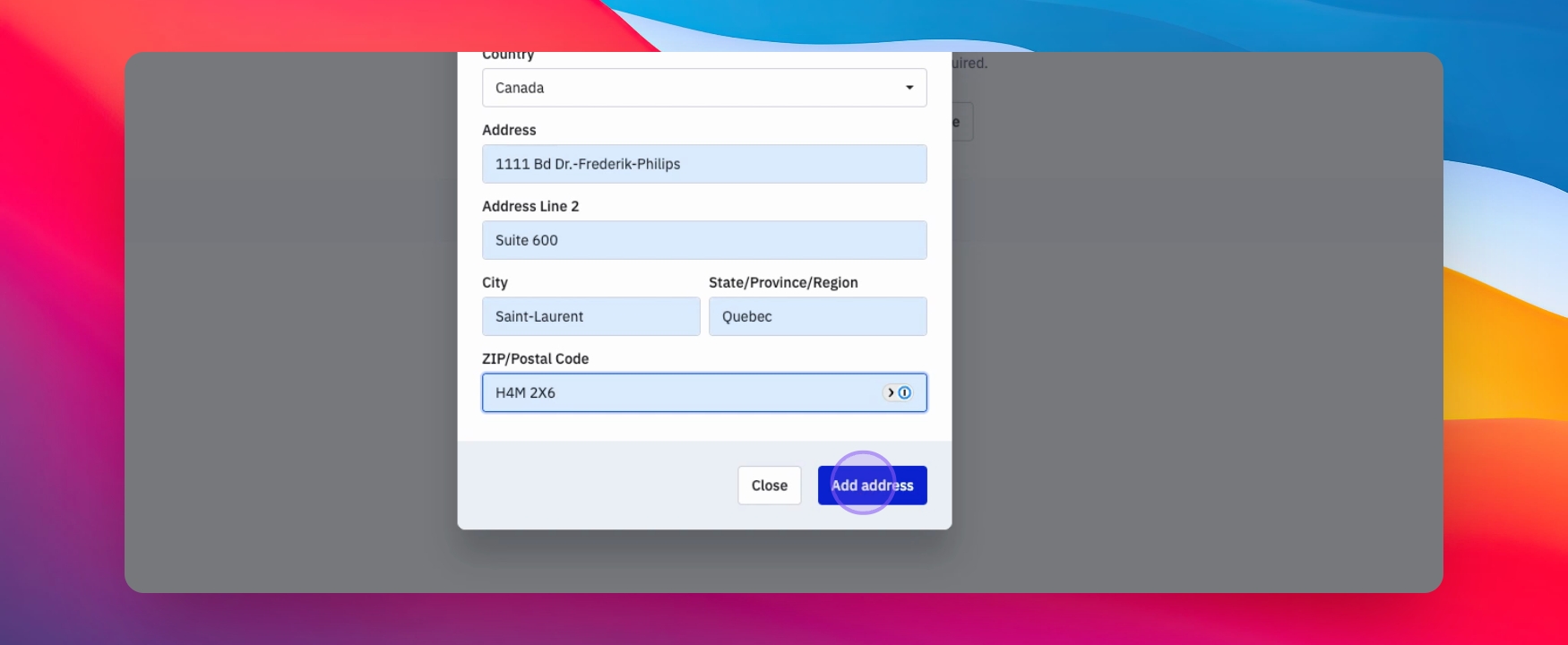
5. Complete Address Addition
Once your information has been entered, click on Add Address.
6. Confirmation
Your address has been added successfully.
7. Adding Multiple Addresses
You can add multiple addresses if needed.
8. Set Default Address
Choose which address you would like to use by default.
Conclusion
By following these steps, you have successfully added a physical address to your ActiveCampaign account, allowing you to send emails with compliance. Remember that having a clear and accurate address is vital for maintaining transparency in your communications.