Add video
TL;DR
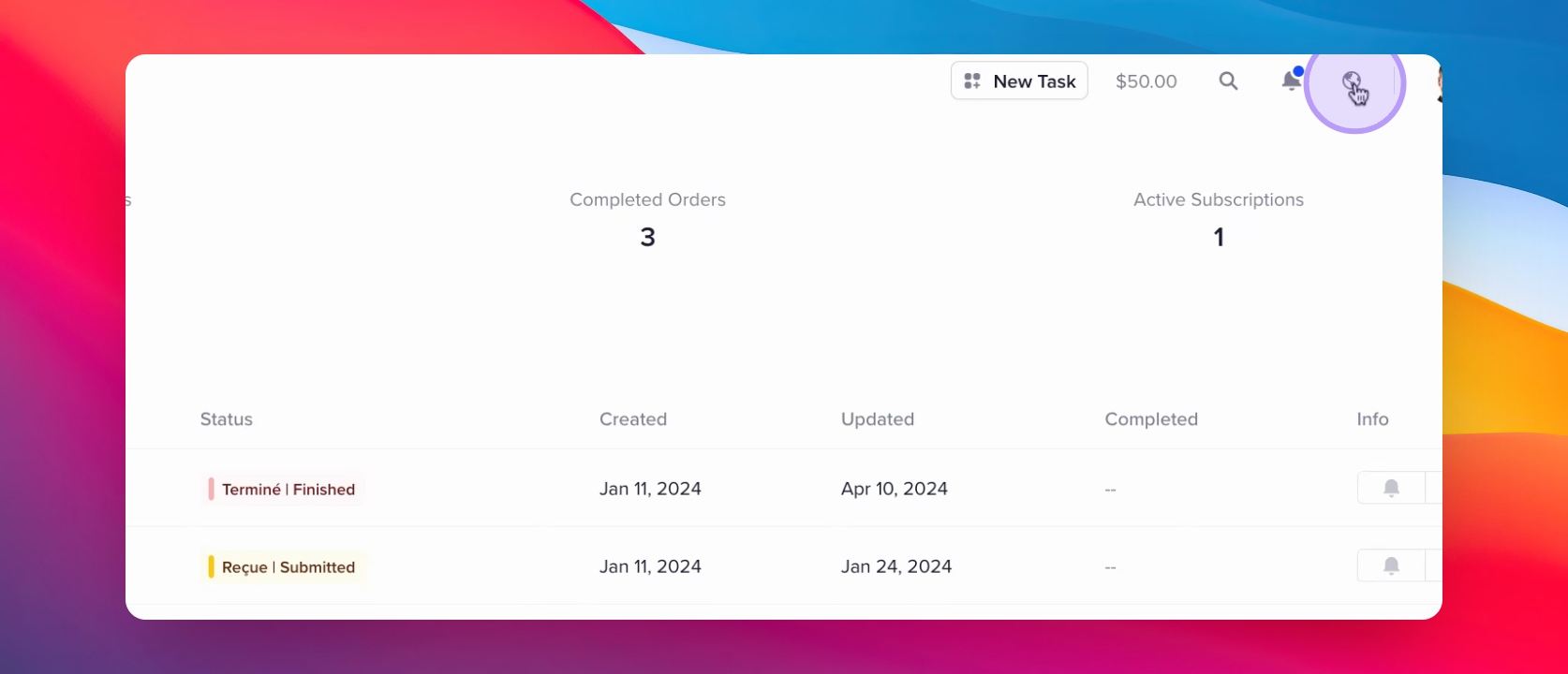
1 Click the globe icon
Open the language selection menu.
2 Select your language
Choose your preferred language from the options.
Let's Do It Together!
Step 1: Select Language
Click on the globe icon in the client portal.
Select your preferred language from the list.
Your client portal will now display in the selected language.