Learn how to change or update your password in ActiveCampaign by following a straightforward step-by-step process.
Introduction
Keeping your account secure is essential, and one of the key components of account security is regularly updating your password. In this tutorial, we will guide you through the process of changing your password in ActiveCampaign. You'll learn how to navigate to the settings, locate your current password, and set a new one, ensuring your account remains protected.
How to Instructions
1. Accessing Account Settings
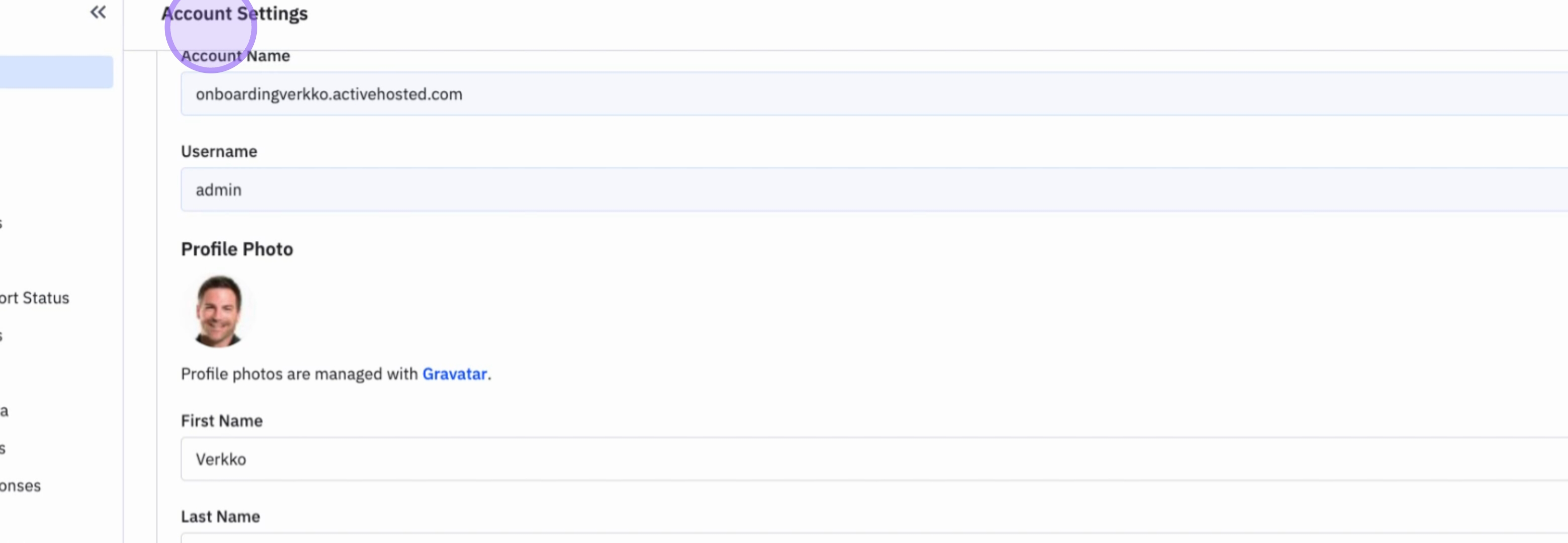
To begin, navigate to Settings in ActiveCampaign.
Subsequently, go to Account to access your account information.
2. Locating Password Fields
From the account section, you will see all your account information, including your current password and the field for your new password.
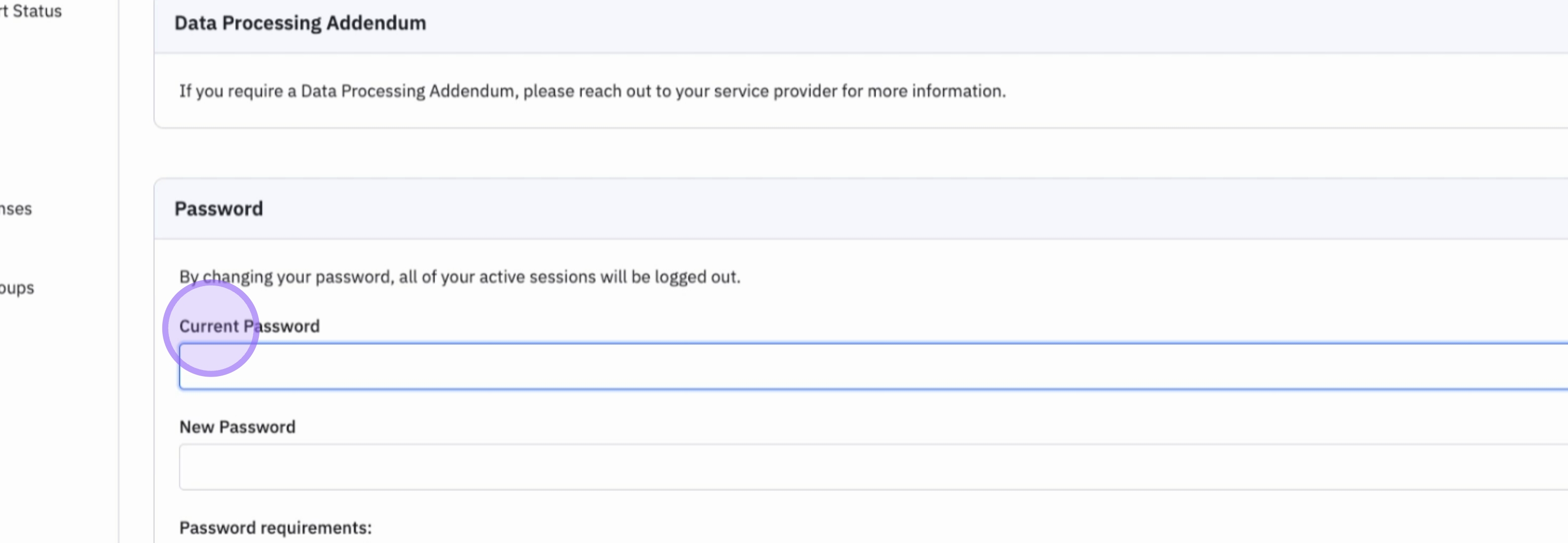
3. Updating Your Password
That's how you update your password in ActiveCampaign.
Conclusion
By following these steps, you can easily update your password in ActiveCampaign, enhancing your account's security.